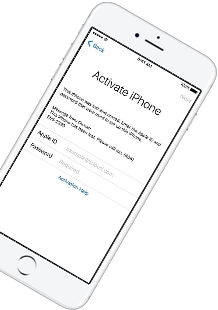
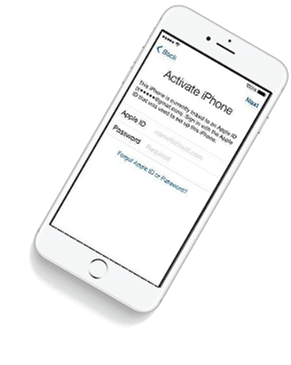
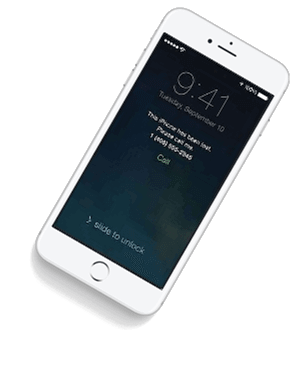
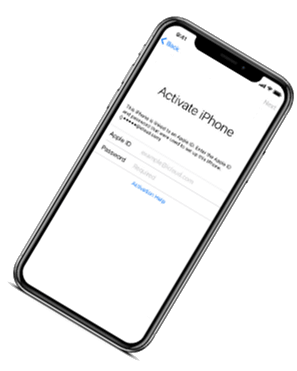
iCloud Spider Officially and Permanently Unlock, Bypass & Remove iCloud Activation Lock on your iPhone 11 Pro / 11 Pro Max, 12 / 12 Mini, 12 Pro / 12 Pro Max, 13 / 13 Mini, 13 Pro / 13 Pro Max, 14 / 14 Plus, 14 Pro / 14 Pro Max, 11, 11 Pro, X, 8, 8 Plus, 7 Plus, 7, 6S Plus, 6S, 6, SE, 5S, 5C, 5, 4S, 4 and all iPad 4,3,2 Air, Pro and iWatch Versions.
iCloud Spider can be used to remove iCloud Lock permanently from your device without the fear of being locked again.
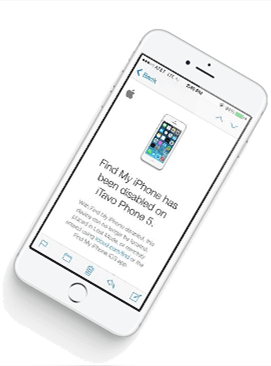
No matter who is previous owner of the iPhone, iCloud Spider will just disable "Fiand My Phone" feature from the device.
iCloud Spider use built-in proxies and private servers and data enctyption to unlock your device so you no traces are left.
You can easily update your device's iOS version without any problem after unloking it with the iCloud Spider.
With iCloud Spider you have the flexibility to unlock your device either via USB or by using your phone IMEI number.


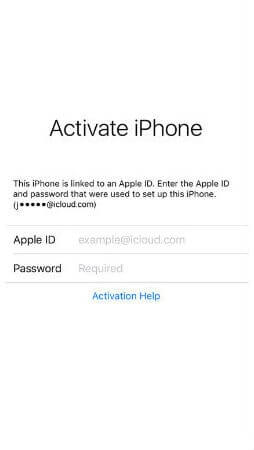
If you have forgotten your apple id or you bought a used iPhone from ebay/walmart and the original owner has enabled "Find My Phone" feature accidentally or purposely and you don't know how to contact him or unlock your device then you are on right place.
iCloud Spider will not only help you to unlock your iPhone but it will also remove any icloud activation lock (e.g. Find My Phone) from your device forever.
Unlocking iPhone made easy with iCloud Spider. You don't have to install iCloud Spider on your PC to unlock your iPhone/iPad. Read the instructions below to learn how to use our icloud unlock software.
Download & run iCloud Spider on your PC. (You can unlock just one device by IMEI in free version of iCloud Spider)
Connect your locked iphone/ipad to your pc via usb or type your phone's imei in iCloud Spider and hit the "Unlock This Device" button.
iCloud Spider will permanently unlock your locked iphone/ipad in just few minutes depending on your internet speed.
iCloud Spider is multi-devices & multi-OS supported. You can download & use IS(iCloud Spider) on Windows and MAC. iOS and Android version will be added soon.
Use iCloud Spider Web-based Tool: Click Here
Use Online FRP Lock Removal App: Click Here
See the working of our icloud unlocker tool below. It's easy to unlock any iPhone/iPad within seconds.
Unlock any iCloud locked device with the ease of our iCloud activation lock removal software at very affordable prices.
: A free online service that converts public FlipHTML5 documents into optimized PDFs or images without requiring registration or installation. MyFlipbook.net
A prompt will appear to download the entire book or selected pages as a PDF. 2. Specialized Browser Extensions (Firefox/Chrome)
When official download options are unavailable, users often seek alternative ways to save the material. Below are the most common technical methods used to export FlipHTML5 content for offline reading. Method 1: Browser Developer Tools (The Manual Route)
Choose your preferred format. Free users can only download the original PDF . Pro, Platinum, or Enterprise users can download in (Windows), or For Readers If the author has enabled it, look for a Download icon
Tools like the FlipHTML5 PDF Downloader work by scanning the flipbook's pages in the browser and stitching them together into a single PDF. fliphtml5 downloader full
Before looking into third-party tools, check if the publisher has enabled native downloads. This is the safest, highest-quality, and most ethical way to obtain the file. How to Check for Native Downloads: Open the FlipHTML5 link in your desktop or mobile browser.
How to Protect Your Own FlipHTML5 Content From Being Downloaded
This guide covers everything you need to know about FlipHTML5 downloaders, from no-install web tools to command-line software, including how to choose the right one and use it responsibly.
os.makedirs(output_dir, exist_ok=True) image_paths = [] : A free online service that converts public
: These tools often allow users to download publications even when the creator has disabled the download button in the toolbar settings. Multi-Format Support
Save important reports, magazines, or educational materials before they are removed.
Once the images are downloaded, you can use an online converter to merge the images back into a single PDF file. 4. Browser Print-to-PDF Trick
A "FlipHTML5 Downloader Full" solution essentially acts as a bridge between a web-based reader and local storage. While the platform restricts native downloads to protect author rights, technical methods involving browser inspection and image extraction allow users to save content for offline access. However, users should always respect copyright laws and author preferences when using such methods. Free users can only download the original PDF
The free tier generally only allows downloading the original PDF. Premium plans (Pro, Platinum, Enterprise) are required for high-definition exports and specialized formats like EXE or Mac Apps. 2. Third-Party "Full" Downloader Tools
(usually a downward arrow) in the flipbook's toolbar. This typically saves the file as a PDF. 2. Browser Extensions (Third-Party)
, third-party tools or "unlocked" extensions may facilitate exports in HTML, EXE, and Mac App Batch Processing : Advanced versions, such as those found on multi-threading

: A free online service that converts public FlipHTML5 documents into optimized PDFs or images without requiring registration or installation. MyFlipbook.net
A prompt will appear to download the entire book or selected pages as a PDF. 2. Specialized Browser Extensions (Firefox/Chrome)
When official download options are unavailable, users often seek alternative ways to save the material. Below are the most common technical methods used to export FlipHTML5 content for offline reading. Method 1: Browser Developer Tools (The Manual Route)
Choose your preferred format. Free users can only download the original PDF . Pro, Platinum, or Enterprise users can download in (Windows), or For Readers If the author has enabled it, look for a Download icon
Tools like the FlipHTML5 PDF Downloader work by scanning the flipbook's pages in the browser and stitching them together into a single PDF.
Before looking into third-party tools, check if the publisher has enabled native downloads. This is the safest, highest-quality, and most ethical way to obtain the file. How to Check for Native Downloads: Open the FlipHTML5 link in your desktop or mobile browser.
How to Protect Your Own FlipHTML5 Content From Being Downloaded
This guide covers everything you need to know about FlipHTML5 downloaders, from no-install web tools to command-line software, including how to choose the right one and use it responsibly.
os.makedirs(output_dir, exist_ok=True) image_paths = []
: These tools often allow users to download publications even when the creator has disabled the download button in the toolbar settings. Multi-Format Support
Save important reports, magazines, or educational materials before they are removed.
Once the images are downloaded, you can use an online converter to merge the images back into a single PDF file. 4. Browser Print-to-PDF Trick
A "FlipHTML5 Downloader Full" solution essentially acts as a bridge between a web-based reader and local storage. While the platform restricts native downloads to protect author rights, technical methods involving browser inspection and image extraction allow users to save content for offline access. However, users should always respect copyright laws and author preferences when using such methods.
The free tier generally only allows downloading the original PDF. Premium plans (Pro, Platinum, Enterprise) are required for high-definition exports and specialized formats like EXE or Mac Apps. 2. Third-Party "Full" Downloader Tools
(usually a downward arrow) in the flipbook's toolbar. This typically saves the file as a PDF. 2. Browser Extensions (Third-Party)
, third-party tools or "unlocked" extensions may facilitate exports in HTML, EXE, and Mac App Batch Processing : Advanced versions, such as those found on multi-threading
Our developers have now added support for iPad Pro 11.5". So download the latest version of IS to enjoy this feature...
Our developers have now added support for iPad Pro 11.5". So download the latest version of iCloud Spider...
Good News! Android & iOS versions of the iCloud Spider are in beta testing and will be available for free to our existing customers.
Here's the complete list of 25 great hidden iOS 12 features available for your iPhone, iPad and iPod touch.